Showing posts with label Arts Award Challenge. Show all posts

Tuesday, 18 March 2014

Review


All of the work I have produced for my challenge has been put up onto my blog so that it can be shared with others.

Here is a link to feedback from my challenge, shown as comments at the bottom of this post
http://silverartawardsblog.blogspot.co.uk/2014/03/review.html#comment-form

Review: I think that the project went well in the time i had to do it, i started with a black band canvas, i added in all the planets, stars, flares and the colour to each and every individual peace. The colors worked well with each other and it all looks right and nothing was out of place.

Looking at what I have done throughout this project and looking at my old work that I have done in the last year i was here with my digital imaging work. Somewhere on my blog i can safely post my work and what I have done every week in my lessons, I can update my work and make new posts updating them, I have mixed a few different images within this project, added in the different color's in the space and mixed them with each other, overlaid them in each layer and added in color and effect. This really didn't take me that long to get the background and i have learned how to add more color in to separate layers, also on how every single layer makes a difference with each individual peace, placing everything in the right places and getting the colors and lighting correct.

If i was to do this again i would work on putting more time and effort into placing the images and adding each effect to the separate layers, i would also not put as much effects on and i have here, i would lower the amount of layers i had and not to add too much colour within each one.

Tuesday, 4 February 2014

My Own Work


I used photoshop the create this image, i used a psd file to get some images and little bits of detail to add to it. I started with a black background and added in the circle to the center, used an effect from the psd to file stretch over the screen from left to right, I then dimmed down and made the left and ride side darker and let the center brighter.

Tuesday, 14 January 2014

Digital Imaging - My Own Work Updated


I have added individual layers for every single peace of image, every different color moon, sky and lighting are on separate layers, the colors on the top and the left individually but on the right, i used that all on one layer so it had the same color.

I created new layers and added the little tiny bits of effects like the rockets, the rocks and the light particles in the background.


Tuesday, 10 December 2013

Digitial Imaging : Final Project


Digital imaging:

In this post i will be showing different types of images that I think that look good and how the picture has been used digitally and created, these images will be edited from start and the colour and effects that have been added into them. I will be explaining why I like these images.


I like this First image because of the way it is designed,
the colour's and effects within the image.
Stratzeh has used the pen tool over the Stratz
text to get that purple line effect. The colour's he has used with this image is that he's gone with a green, yellow, brown and blue. The gradient to split the brown and the blue with the green in the middle.


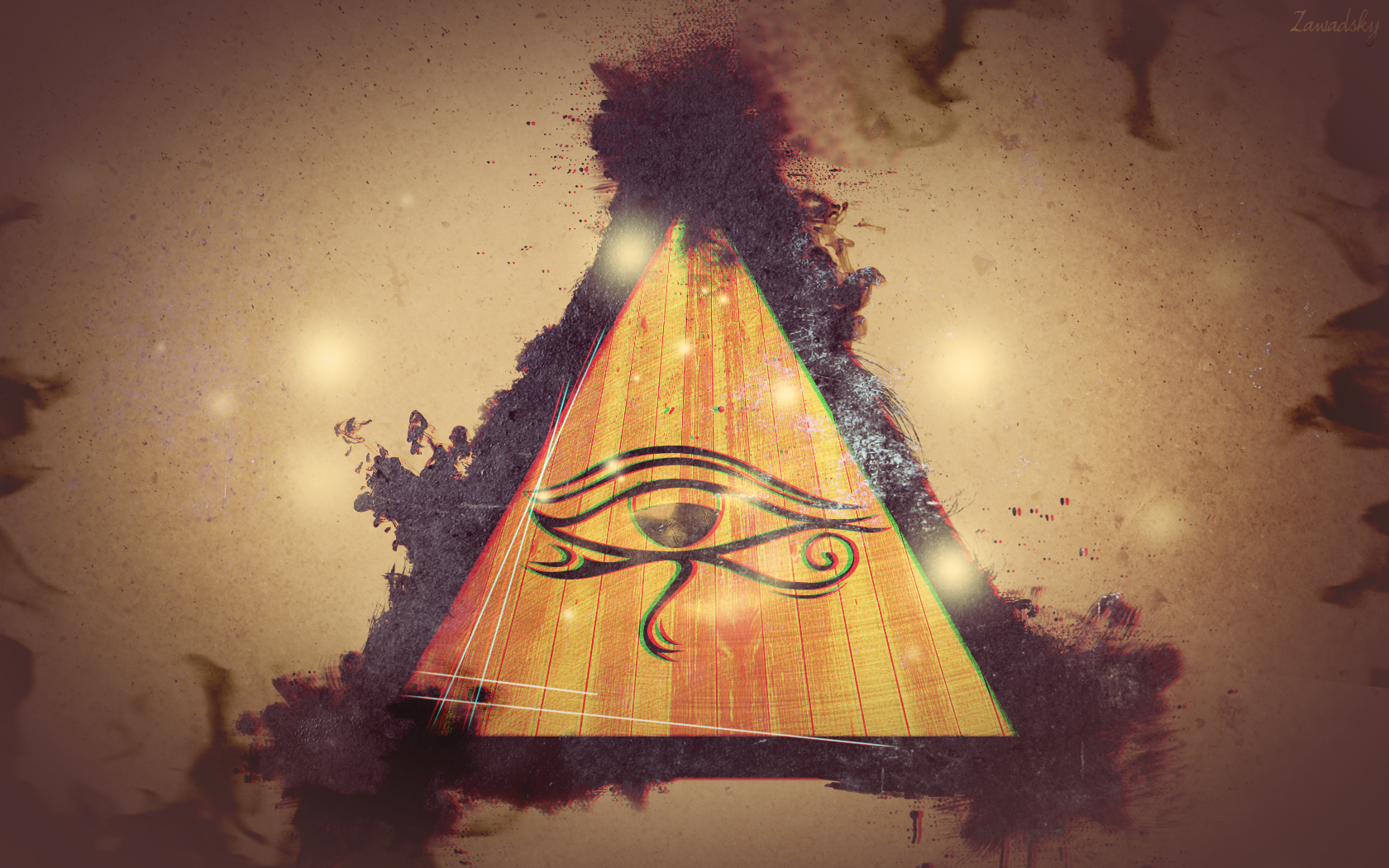
In this second image I like how he's mixed the colours together with the beige and the purple/ brown on the outside of the triangle, he's copied the triangle and make them 2 separate layers so he can overlay them on top of each other. He's darkened out the edge of this image to lighten up and brighten up the colours in the center. This image is very creative and I like how to colour's match.


In this image he has made the sunset in the center of
the image and with the light lighting up the flower's and the colour shade coming from behind the tree's on the left side. The sunset brings out the flowers more and makes the shading and the positioning more creative.                                                                                                                                                      


In this 4th image he has used the tree's to split off the water and the sky, i like how the colour is added into this image when it splits off. I like how the biggest tree's are placed in the center and gradually get smaller along the big tree's and then bigger at the edges.


Tuesday, 22 October 2013

Strength's & Weaknesses

My challenge is Digital Imaging.
I would like to explore different types of Digital Imaging.
I have chosen this because i would like to learn more about Digital Imaging, mainly with photoshop.

Strength's & Weaknesses

Strength's: Creative Mind, Good Imagination, Steady Hands, Basic Knowledge

Weaknesses: Easily distracted, Never know what to add to an image, usually try out new things and see how things look,

Planning needed for my Arts Challenge:

The planning the stages for my digital images will be to find suitable images to put into photoshop and apply a series of digital effects to so as to create something new.

Good places to find images from that I could use are:
http://www.deviantart.com/

https://www.google.co.uk/


Next, I need to find other images online that have had effects applied like the ones I am wanting to do for my own challenge.

                                           
I will be getting similar images to this one and adding my own effects to it using Adobe Photoshop, i will be getting different types but similar to this one and adding effects to each individual one.


The next stage would be to find information on changing a background and adding effects to that background in PhotoShop.

Places for online tutorials could be:
http://www.youtube.com/results?search_query=photoshop+tutorials+photo+effects

http://www.photoshoptutorials.ws/

http://www.digitalartsonline.co.uk/features/illustration/50-best-photoshop-tutorials/

http://www.photoshoplady.com/photoshop-tutorial/category/photo-effect/

Then I will need to follow the instructions on some of these tutorials and apply the changes to my choice of images to make it work, adding colour, flares etc.

 After looking at the finished work we have to share it with others through putting it up on my blog and getting comments from other people in the class.

Then I can read through these comments, and review and evaluate the work I have produced for the challenge and say what went well and what could have been improved..


Tuesday, 15 October 2013

Unit 1 Part A


What i think my strengths and weaknesses are:

Strengths in Media, i think my main strength is media is digital Imaging, i do a lot of digital imaging at home and i do that the most. I think that Digital imaging is the most enjoyable thing to do and the easiest.                                                                                                             


I think my main weakness is Animation because i dont enjoy doing it, i think some parts of it is a bit complicated like doing the storyboards, especially when you work in groups.

Challenging:
I want to challenge myself to create a complicated background through using Adobe PhotoShop. I will do this, by making the layout, colour's, shapes and a lot more. I want to use tools that i havent used before and get a better knowledge of digital imaging.